
Pose clip
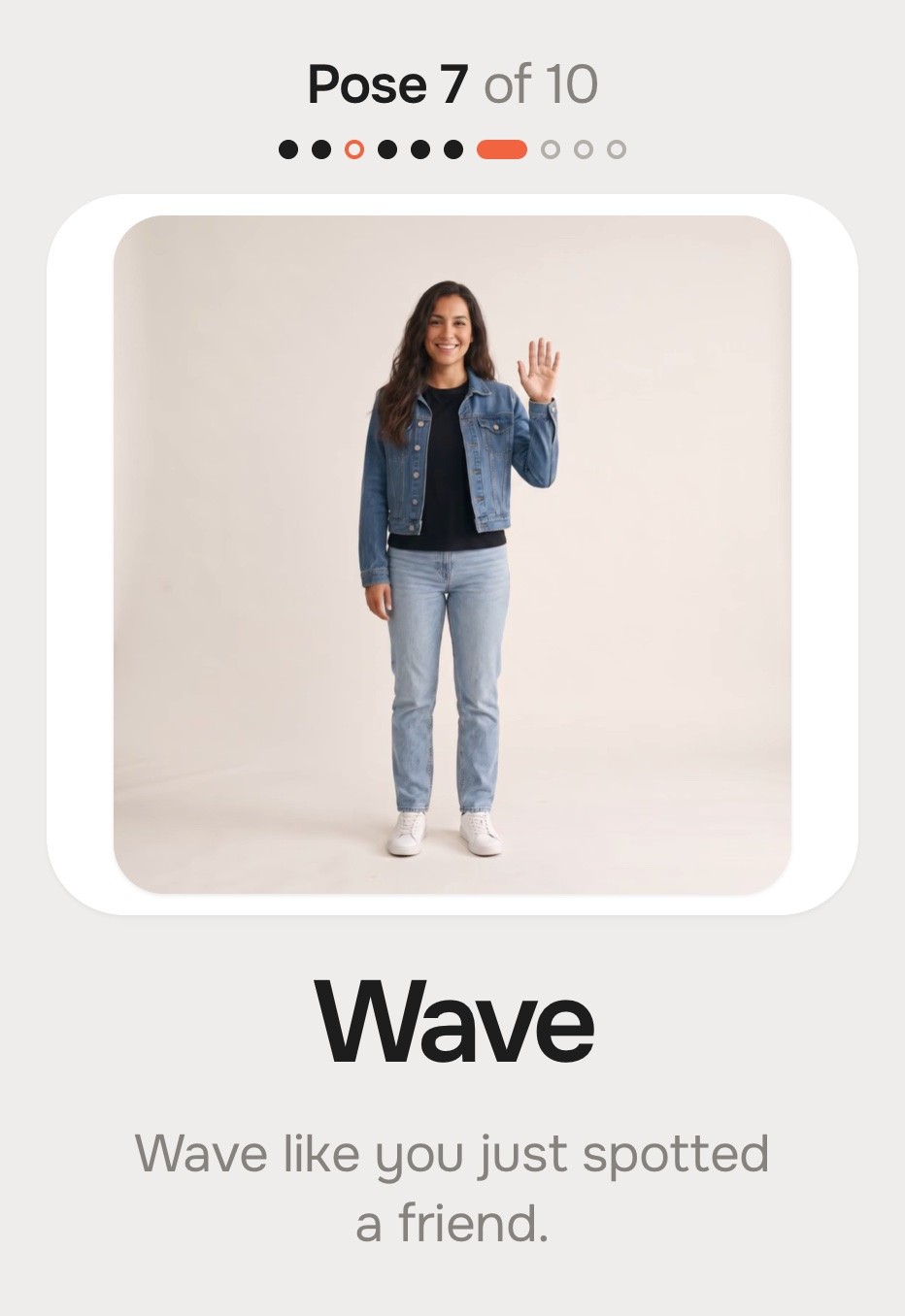
A short loop with the name of the pose and one cue.
PoseDeck is an iPhone camera app that shows your friend how to pose while you frame the shot.
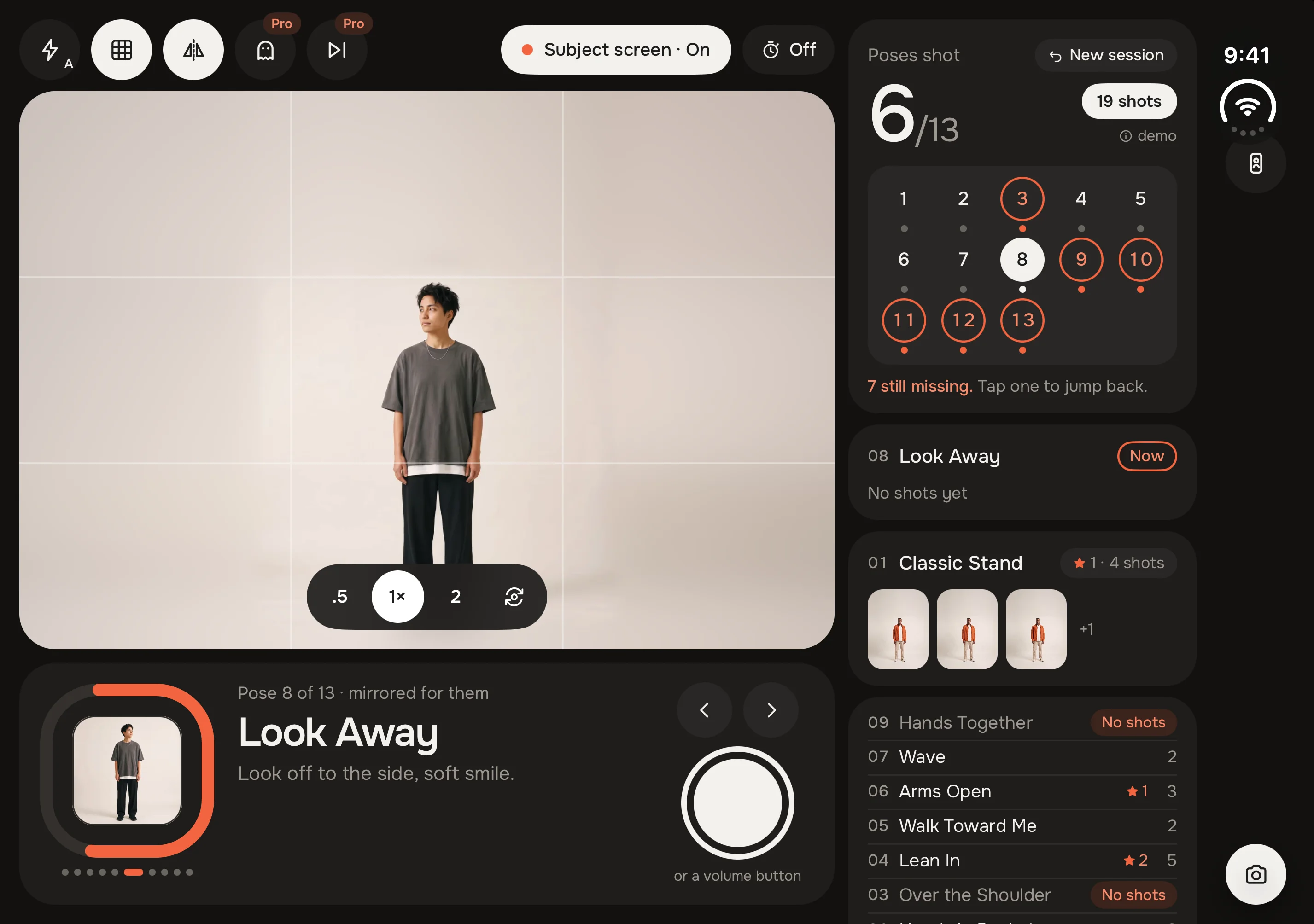
iPhone DuoInner screen
Frame your friend as they follow the pose.

iPhone DuoOuter screen
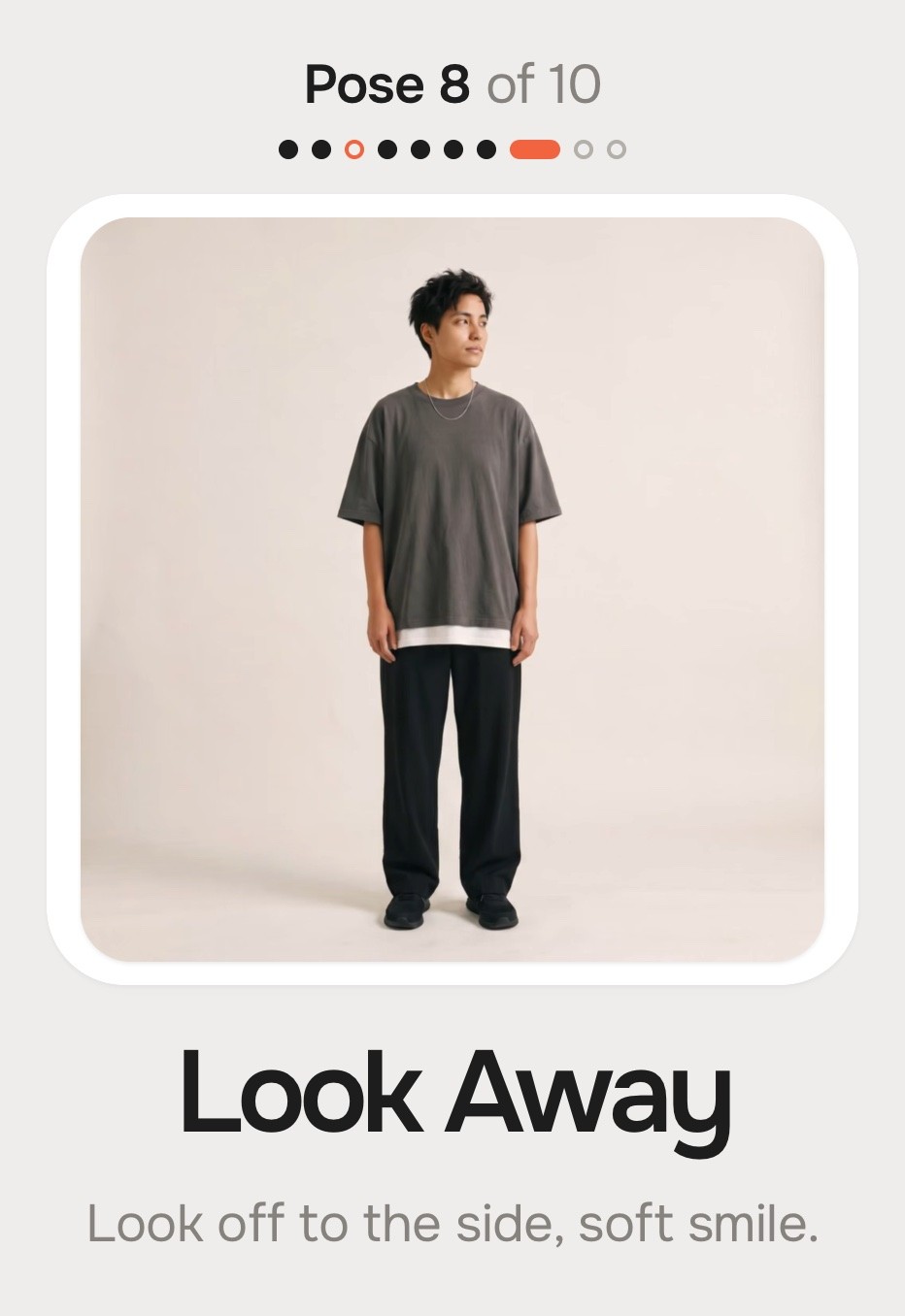
Their side · Look Away, pose 08

Your friend can watch the pose on the Duo’s outer screen. When the countdown starts, you both know when to hold still.
“Wave like you just spotted a friend.”
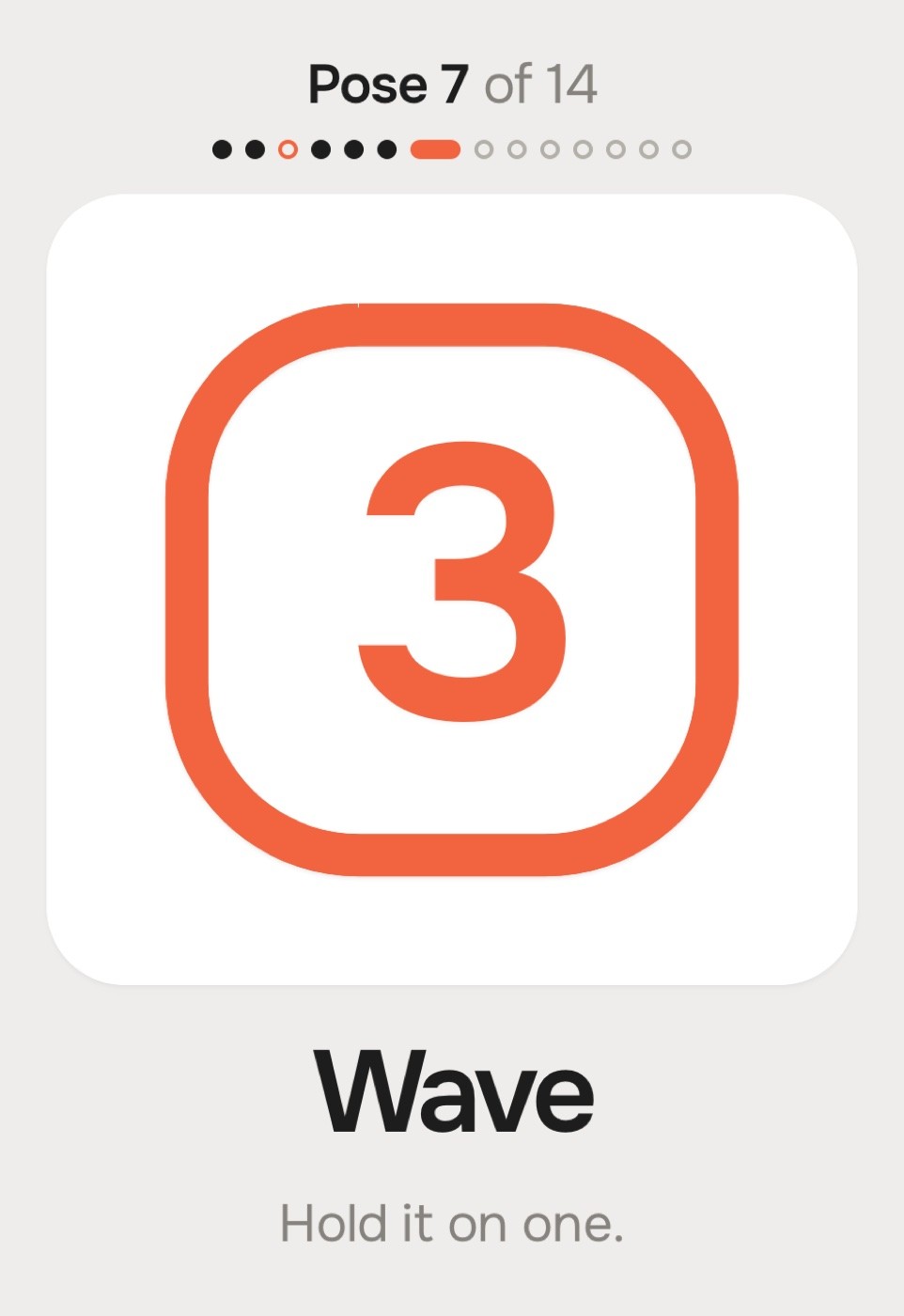
Both screens count down 3, 2, 1.

 3Look Away


Tap “Show subject” to fill the screen with the pose. Turn the phone round for your friend, then turn it back to take the photo.
Each of the ten starter poses has a woman and a man version. Play a pair to watch them side by side.
“Weight on your back foot, turn slightly to the side.”
“Thumbs out, shoulders down and relaxed.”
“Turn away, then look back at the lens.”
“Lean toward the camera from the hips, chin slightly down.”
“Walk slowly and look just past the camera.”
“Arms wide, big laugh.”
“Wave like you just spotted a friend.”
“Look off to the side, soft smile.”
“Hands loosely clasped in front, relax your elbows.”
“Jump on three!”
The pose number on their screen matches the one under your camera.
The outer screen on an open iPhone Duo.
A short loop with the name of the pose and one cue.
“Look off to the side, soft smile.”
Set 3 or 10 seconds. Both screens show the count.
Use the inner screen to run the shoot.


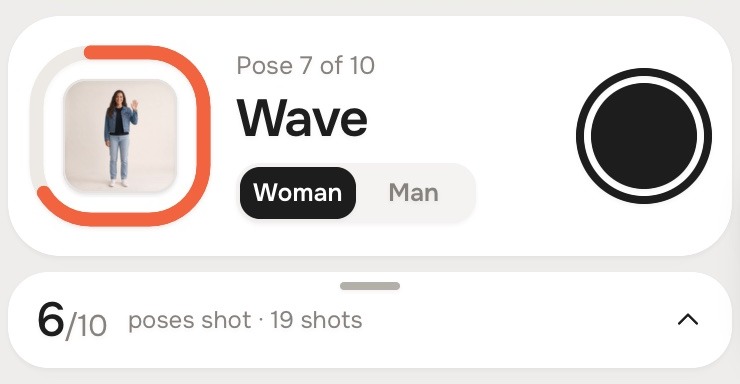
Wave is pose 7 of 10. You’ve shot six so far.
 Classic Stand
 Arms Open
 Wave
Arrange the poses in the order you want to shoot. Tag a deck Solo, Couple, Group or give it your own tag.
Shots are grouped by pose. Mark your keepers here or start a new session. The photos save to your Photos library.
“Arms wide, big laugh.”
Your poses stay on this iPhone and work with no signal.
The camera and subject screen come with all ten starter poses, their names and cues. Free includes the mirror, notes and the reel, plus three photo poses of your own.
Import more poses from Photos or add markers to pose videos. Keep a Pinterest album, save pin links and use the share sheet. Show a thin outline of the pose over your camera. Turn on auto-advance to move through the deck.
Pro is $7.99 a month, $49.99 a year with a 7-day free trial, or $119.99 for Lifetime (US dollars). If Pro ends, the poses you imported keep working. Lifetime lasts as long as PoseDeck is offered.
Built for iPhone Duo. Works on other iPhones too.